TARGET-SPEED TYPING TRAINER · MAC · IPHONE · IPAD · $0.99
Pick the speed you want to type at. kb trains you to it, one key at a time.
Set a target speed and practice the keys that are holding you back. Each new letter unlocks once you can type the current set at your goal, so the lessons follow your progress rather than a fixed schedule.
On the App Store now. One $0.99 purchase covers Mac, iPhone, and iPad.

HOW IT WORKS
Each key moves from red to green as you get faster.
kb times every keystroke against your target and shows the result on the keyboard itself, so you can always see which keys need work.
Set a target
Start with the default goal or set a different speed for each lesson type.
Drill the weak key
Practice keeps returning to whichever key is slowest, until you can type it at your goal.
Unlock the next key
New letters appear once every key in the current set has turned green.
WHAT YOU GET
Lessons, tests, and books all count toward the same picture of your typing.
Learn to touch-type from the beginning.
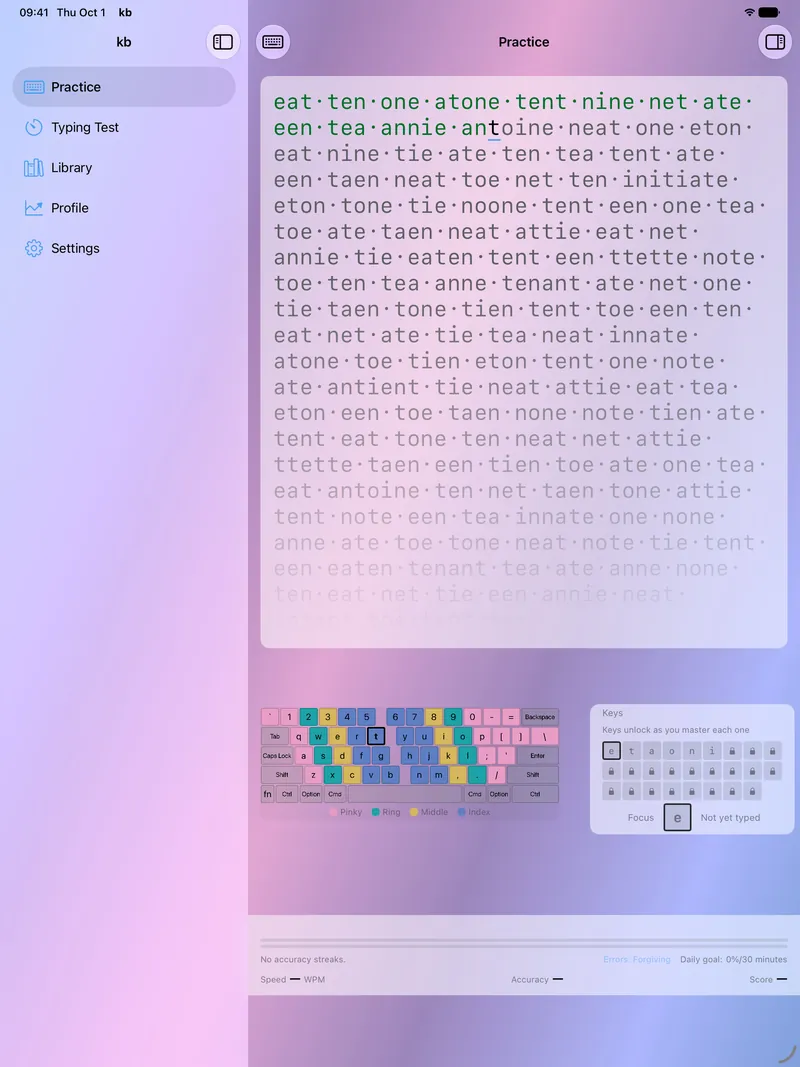
If you have never touch-typed, kb starts you with a handful of keys and finger-zone guidance, then adds letters as you reach your target speed on the ones you have.
Finger zones · letters unlock at your target speed
Bring a new keyboard or layout.
Each keyboard keeps its own progress, organized by layout and geometry, so switching boards starts fresh while your old record stays intact. Pick the board you are typing on from the keyboard picker in Practice and its statistics stay separate.
40 layouts, QWERTY to BÉPO · ANSI · ISO · Matrix
Check your speed with a timed test.
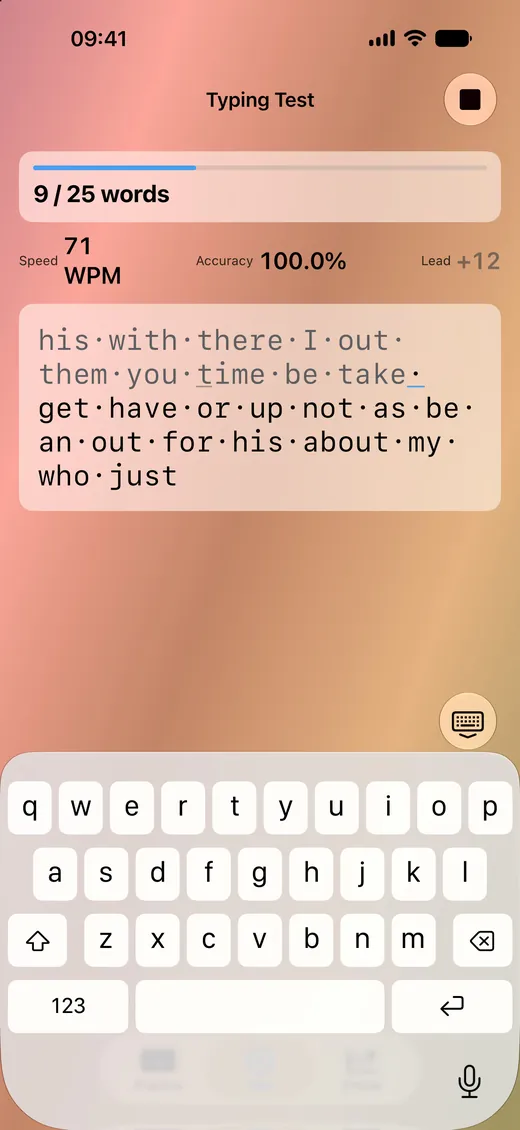
Run tests by time or by word count with live WPM and accuracy, on common words, a passage from the bundled classics, your own text, or practice words the app generates on your device in 40 languages.
15/30/60s · 10/25/50 words · passage · WPM · accuracy
Practice on real books.
Type through the bundled classics, your own .txt and .md files, or EPUB books you import on the Mac, scored the same way as lessons. Your reading position is saved for each book, so you can pick up where you left off.
6 bundled classics · .txt · .md · EPUB on Mac · position saved per book
IPHONE AND IPAD
Keep training on iPhone and iPad.
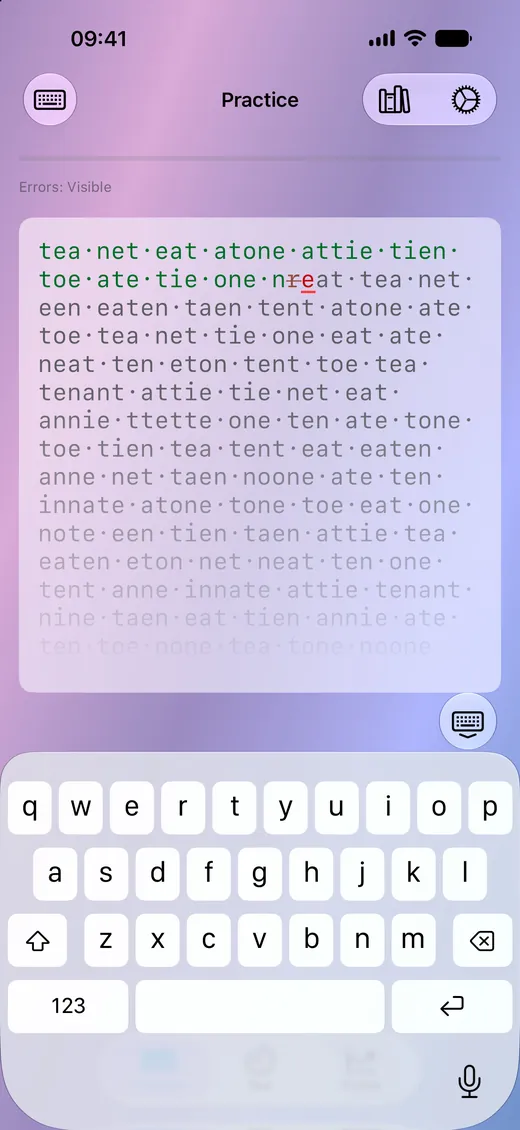
Practice on the on-screen keyboard, or on a hardware keyboard with iPad. With iCloud sync on, your typing history follows you between devices.
PROGRESS BY KEYBOARD
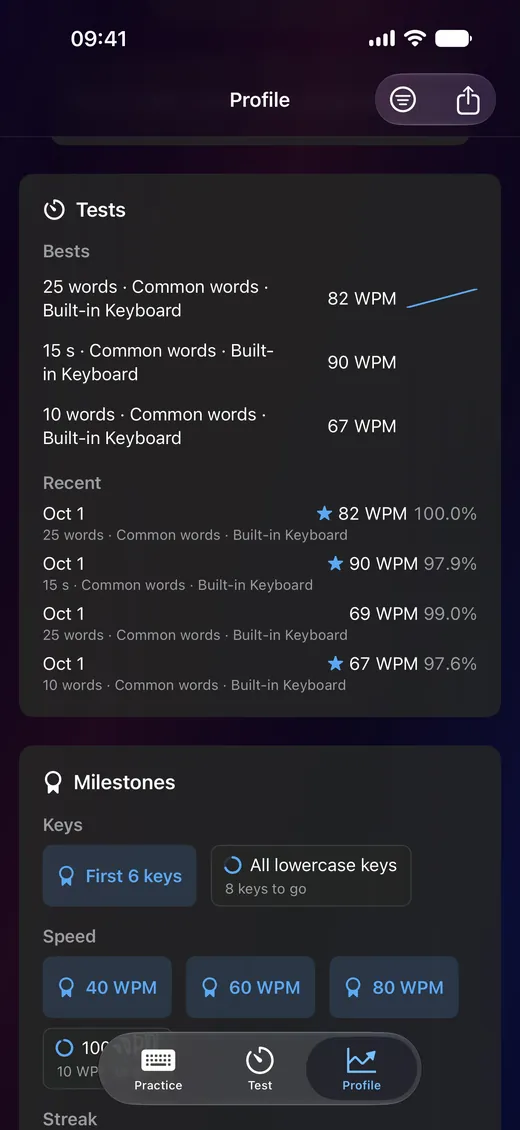
Your profile keeps a separate record for every keyboard you use.
Whether you are learning to type or settling into a new board, you can filter your history by language, layout, geometry, and keyboard, and see how each one compares.

ON YOUR DEVICE
Lessons, scoring, and practice words all run on your device.
Your per-key speeds, accuracy, practice calendar, and full history are stored on your device, and can sync between your Macs, iPhones, and iPads through iCloud if you want them to. Game Center leaderboards are off unless you turn them on. The app shows no advertising and never asks you to create an account.
GET STARTED
Choose a target speed and work toward it.
A single $0.99 purchase from the App Store covers Mac, iPhone, and iPad.